Designing a Block Editor for Nonprofit Storytelling

982
meals donated
290
families served
107%
increase in capacity
At Resilia, I was tasked with improving adoption of Resilia Stories, our impact reporting tool for nonprofits.

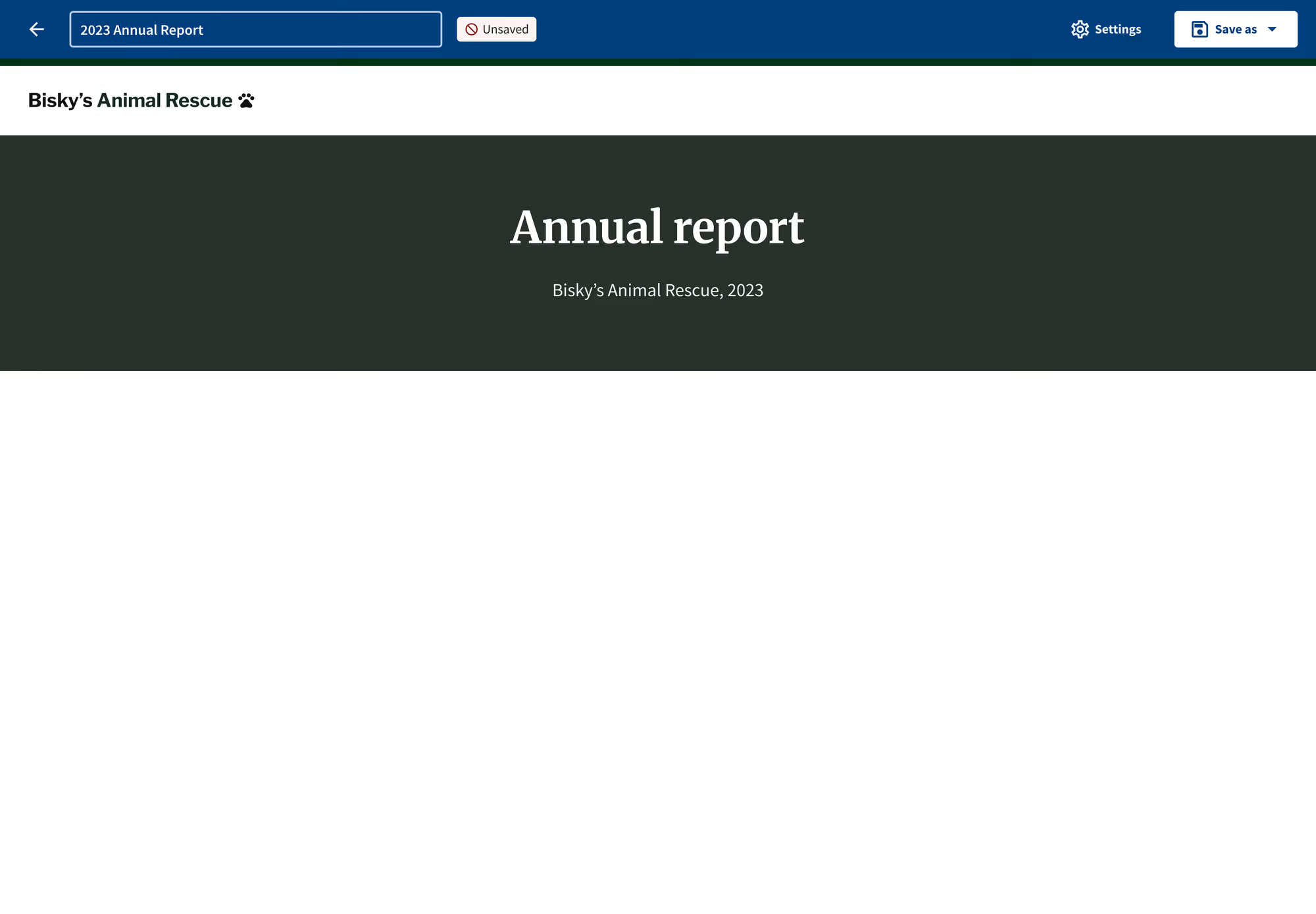
The empty state of Resilia Stories
Annual reports are how nonprofits show their community what they’ve accomplished and ask funders for more support. But grassroots teams often lack the capacity or expertise to write strong reports, and research showed that existing tools either felt intimidating or focused only on visuals, with no help on what to actually say.
Existing tools
Existing software like Canva or Google Docs
Our target
Existing tools
Existing case management tooling
Existing tools
Hiring a design agency or using a specialized tool
Matrix explaining competitive strategy
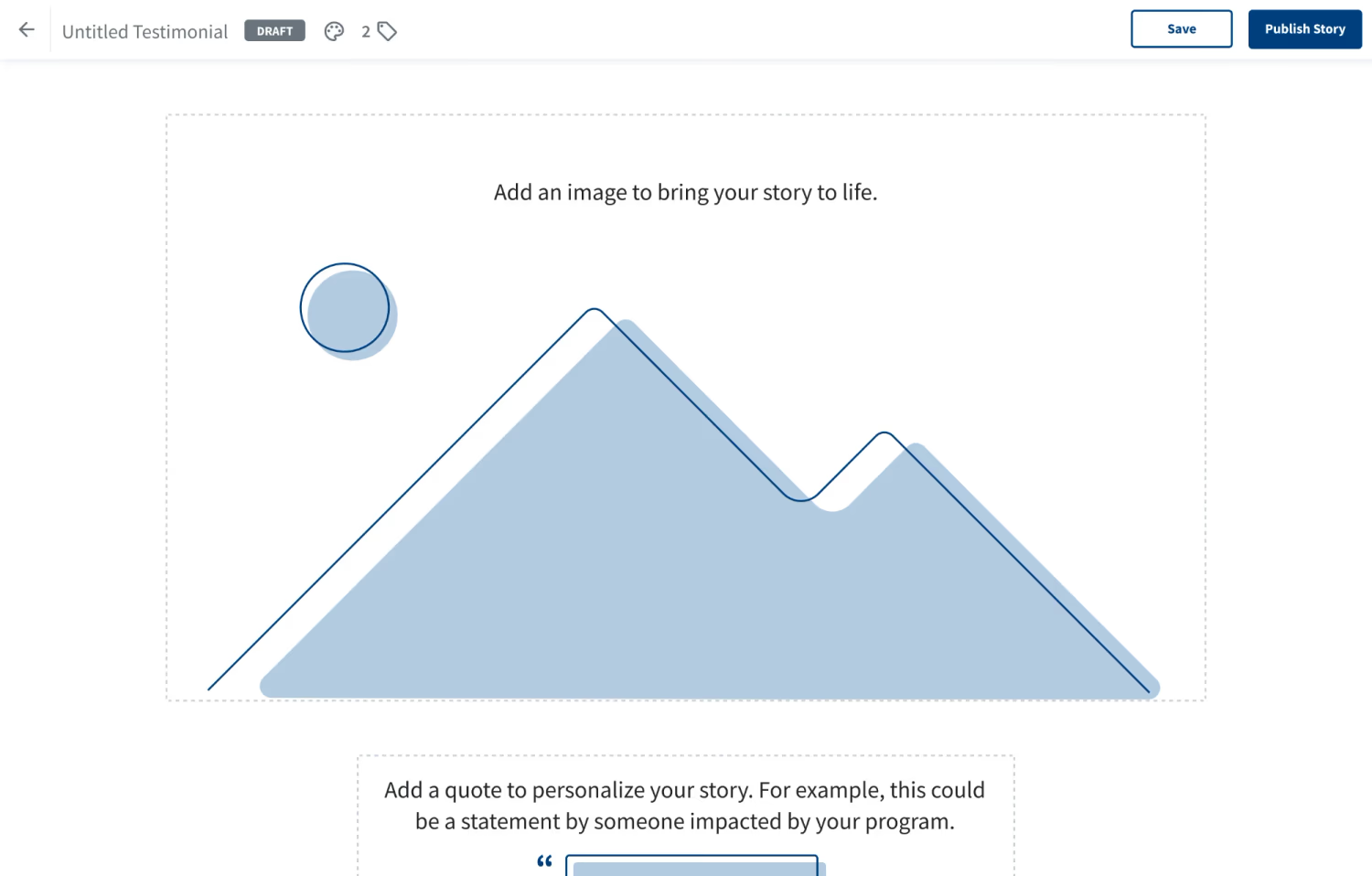
Stories had its own problem: low adoption. We suspected a frustrating editor and too few features built for impact reporting, so the project grew into two parts: a new annual report template, and an overhaul of the editor behind every story.
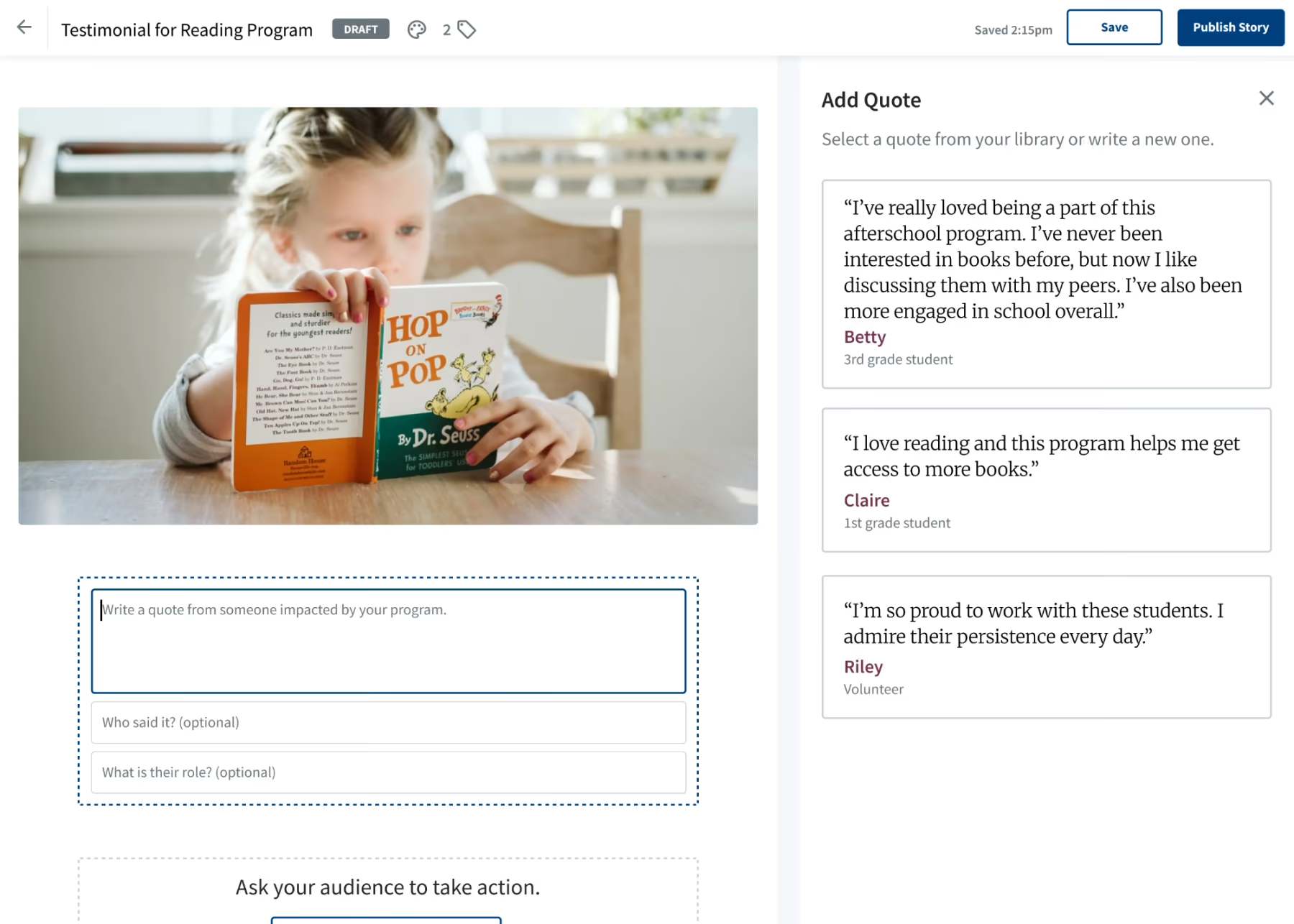
Old design for Resilia Stories
I started with past usability reports and a competitive analysis, then held five discovery calls with annual reporting experts to learn what makes a report effective and where nonprofits get stuck.


Conversation with customer
With our PM and engineering lead, I scoped the work into releases that would deliver value fastest, and I prototyped the full vision so leadership could see where each release was headed.
- Release 1 Improve usability of current blocks
- Release 2 Add new blocks
- Release 3 Add annual-report specific features
Phases of the new release
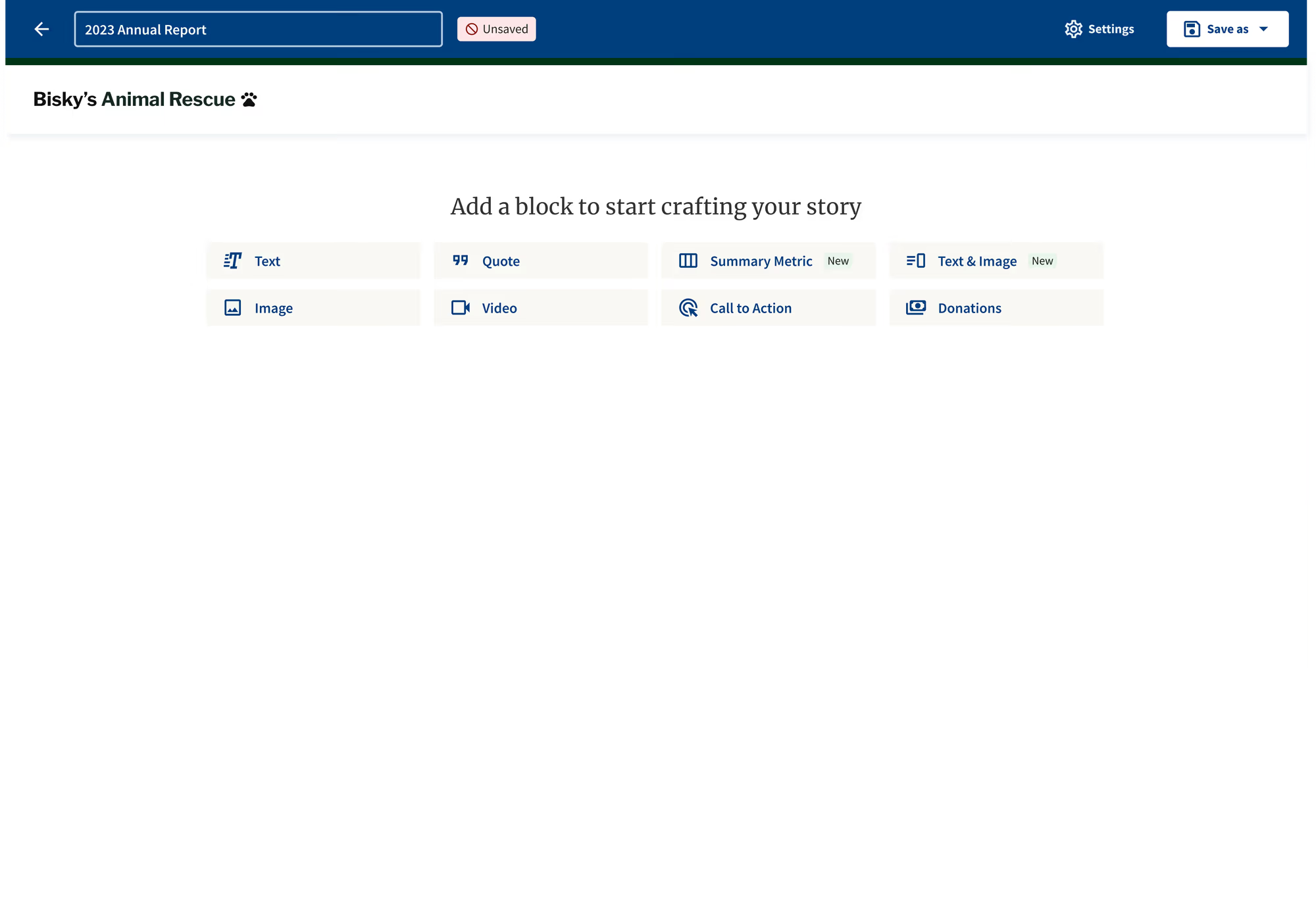
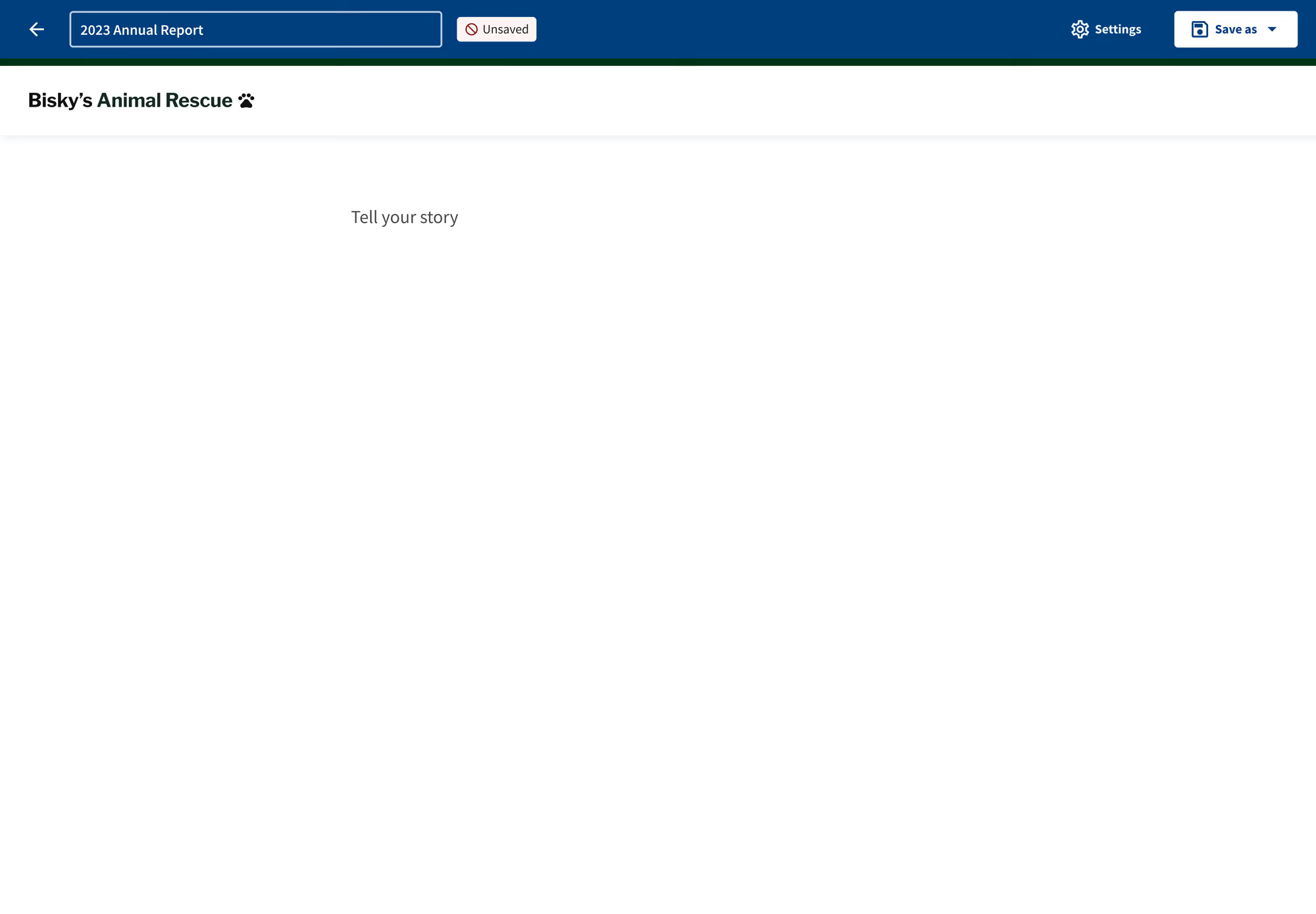
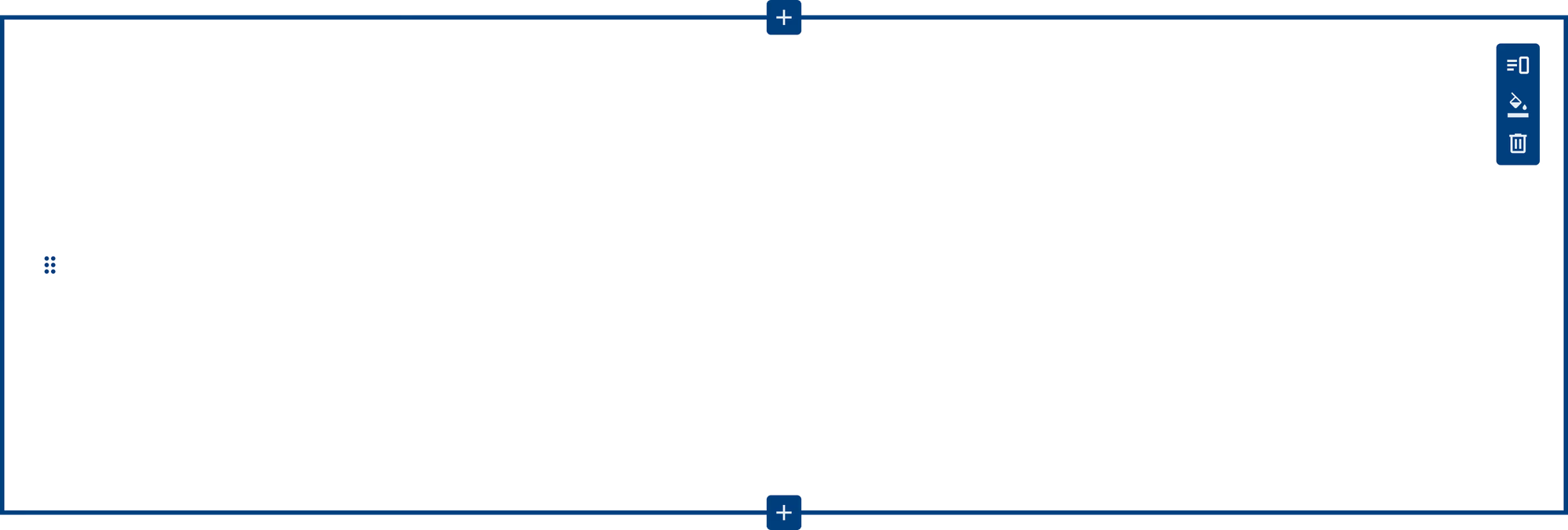
The editor came first. Users couldn’t figure out how to add blocks, so I added buttons to add blocks above and below that appear on hover. I also made text preview in place so that the whole page wouldn’t shift when editing text. And stories looked bland, so I made the blocks full-width with custom background colors, with text color adjusting automatically to keep contrast accessible.
 Tell your story







Redesign of block editing experience
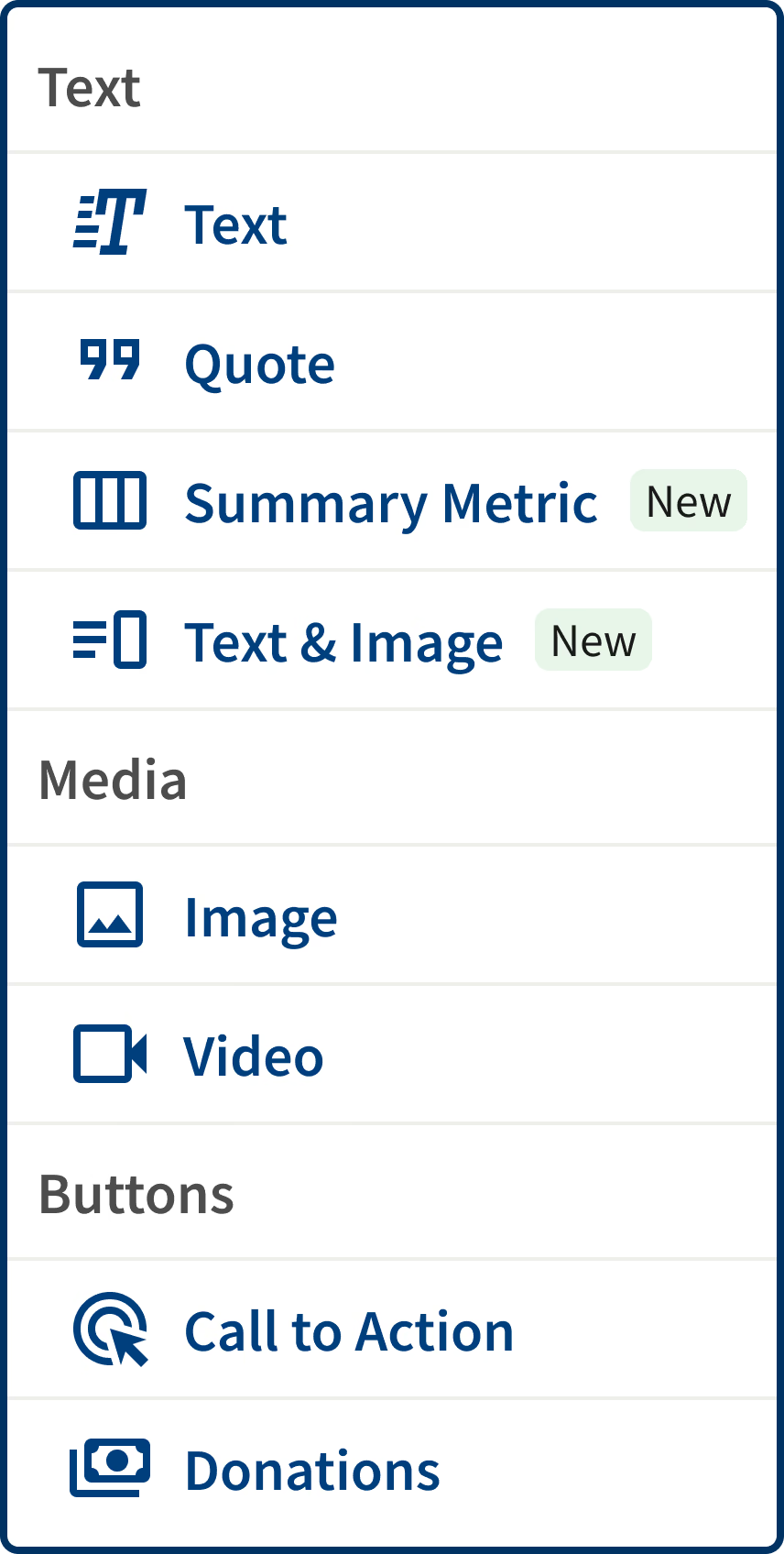
Next, I designed two blocks modeled on professionally designed reports: a summary metric block for highlighting key numbers, and a text and image block to create more complex layouts.

 Tell your story Add an image +
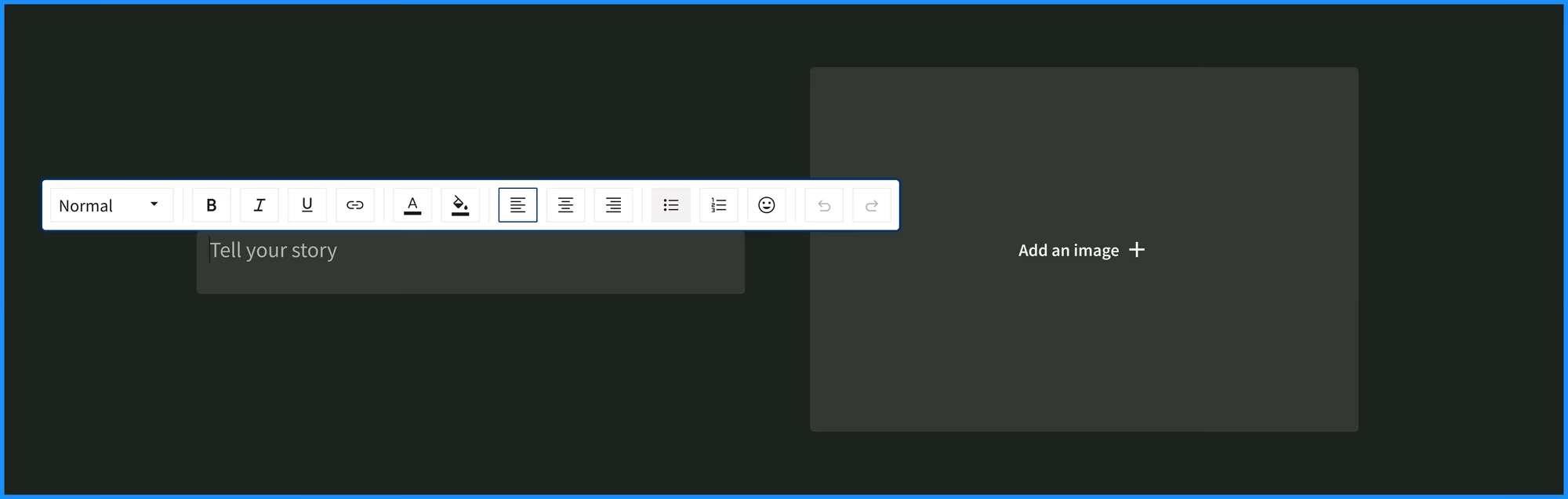
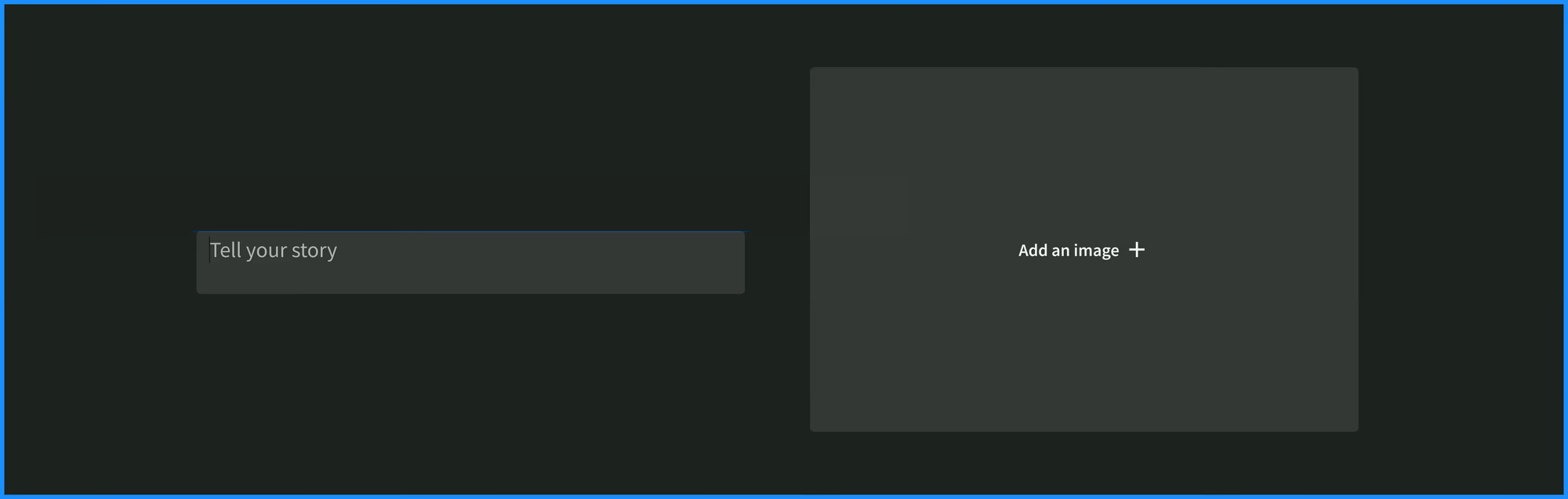
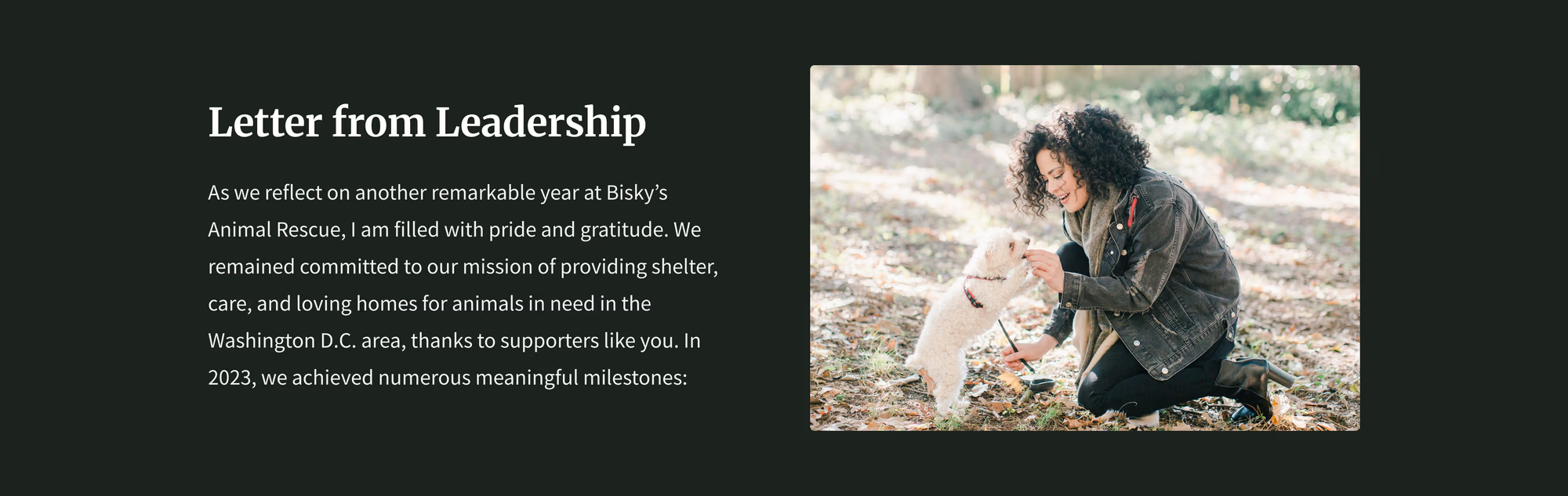









Adding additional blocks
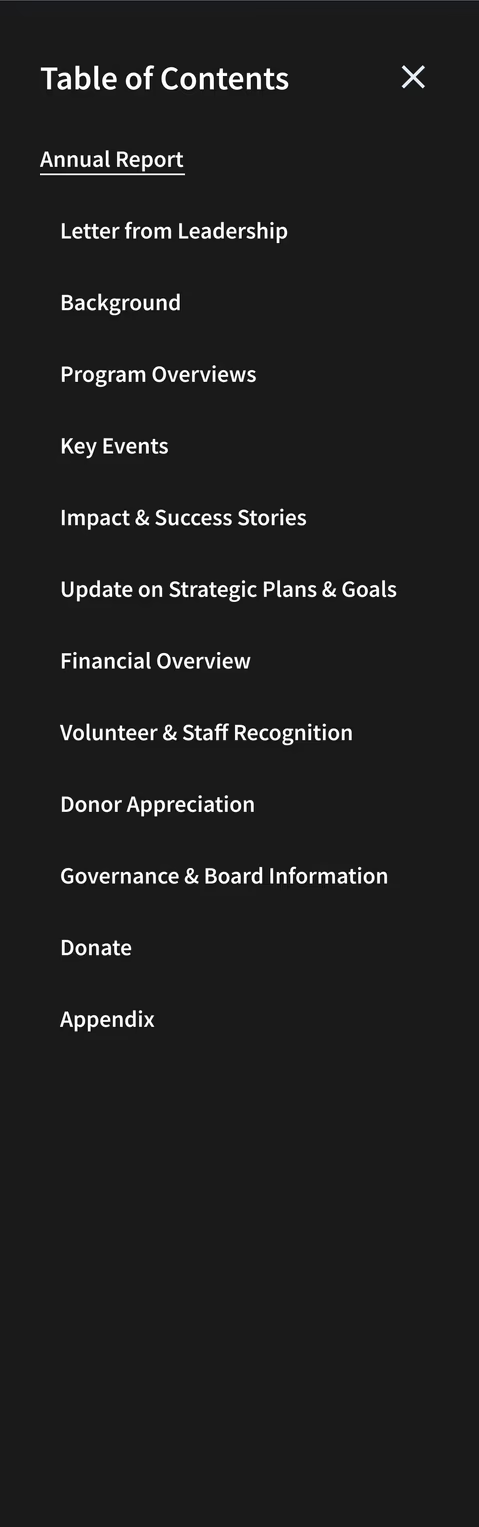
Experts told us that readers jump to the sections they care about, and that printed copies still matter. So we added a table of contents generated from a report’s headings and a PDF export with formatting defined block by block.

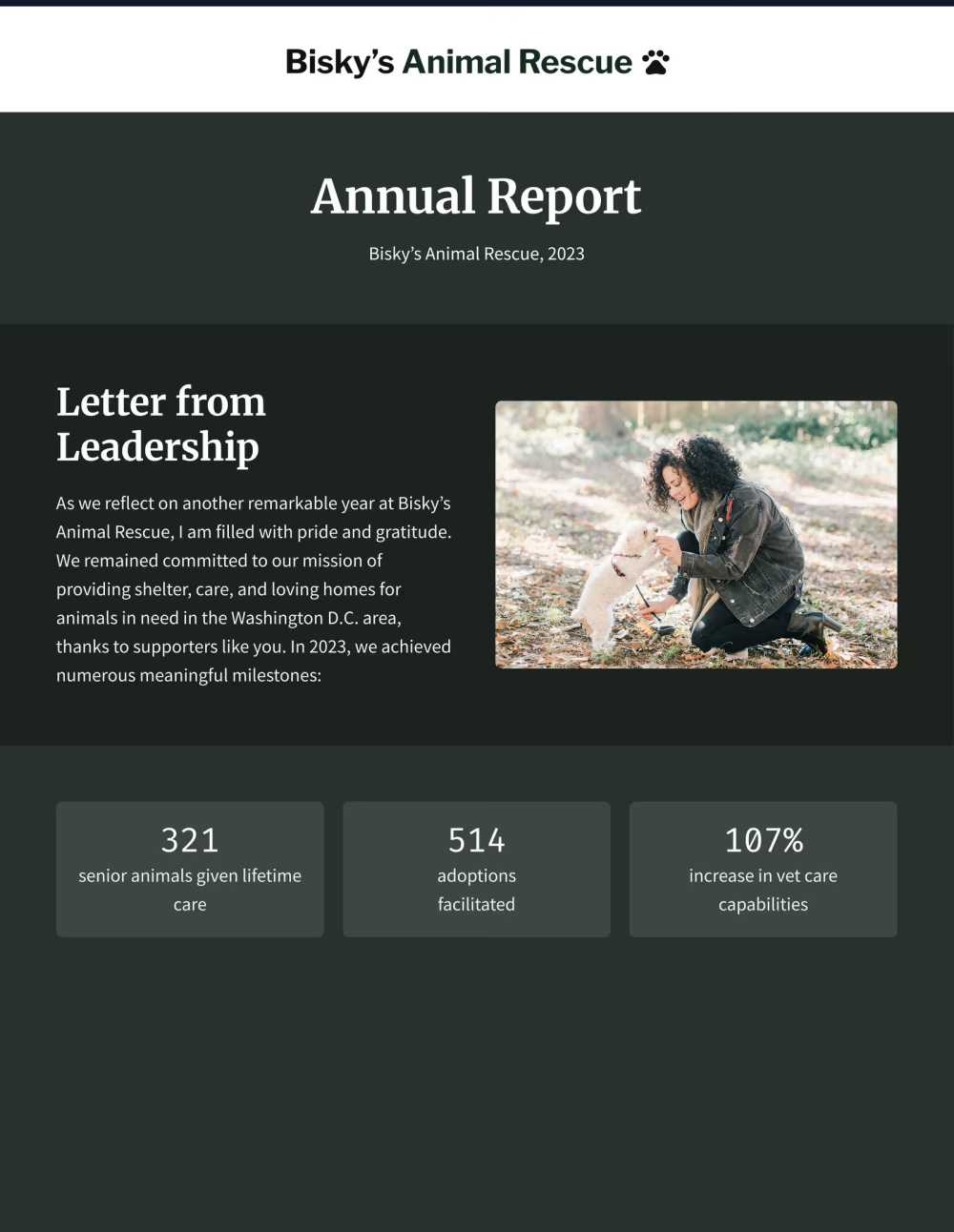
321 senior animals given lifetime care
514 adoptions facilitated
107% increase in vet care capabilities

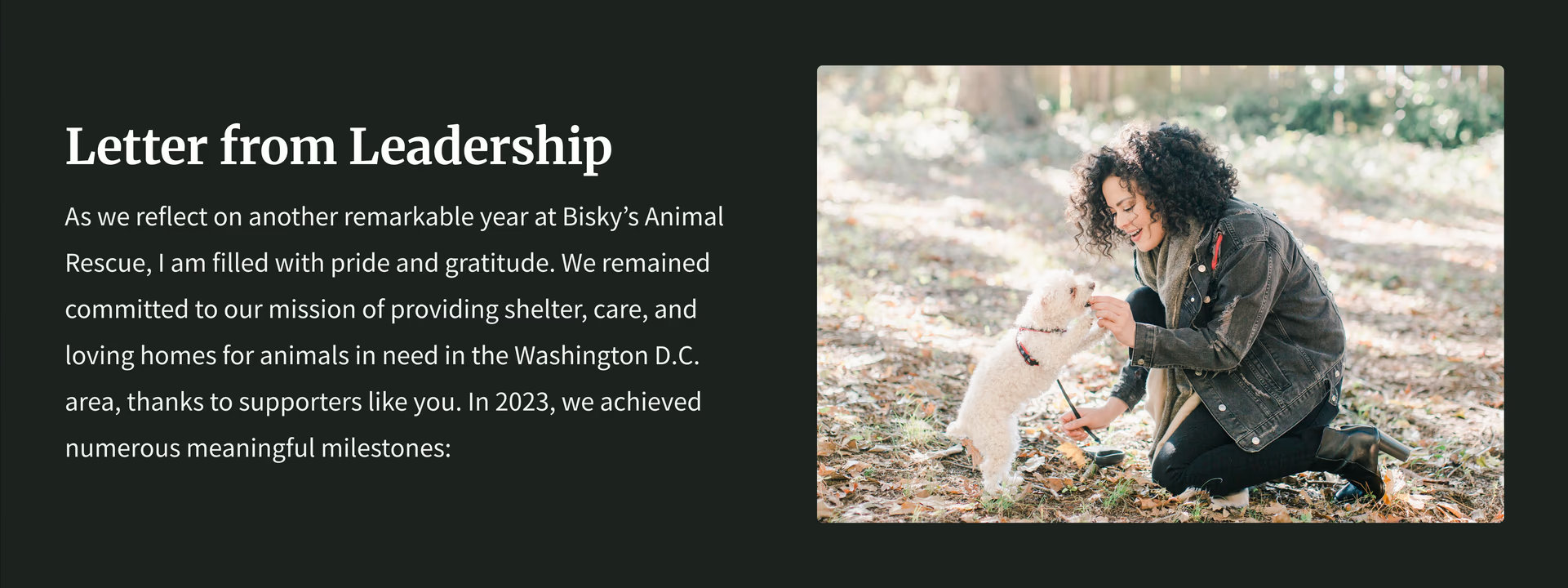
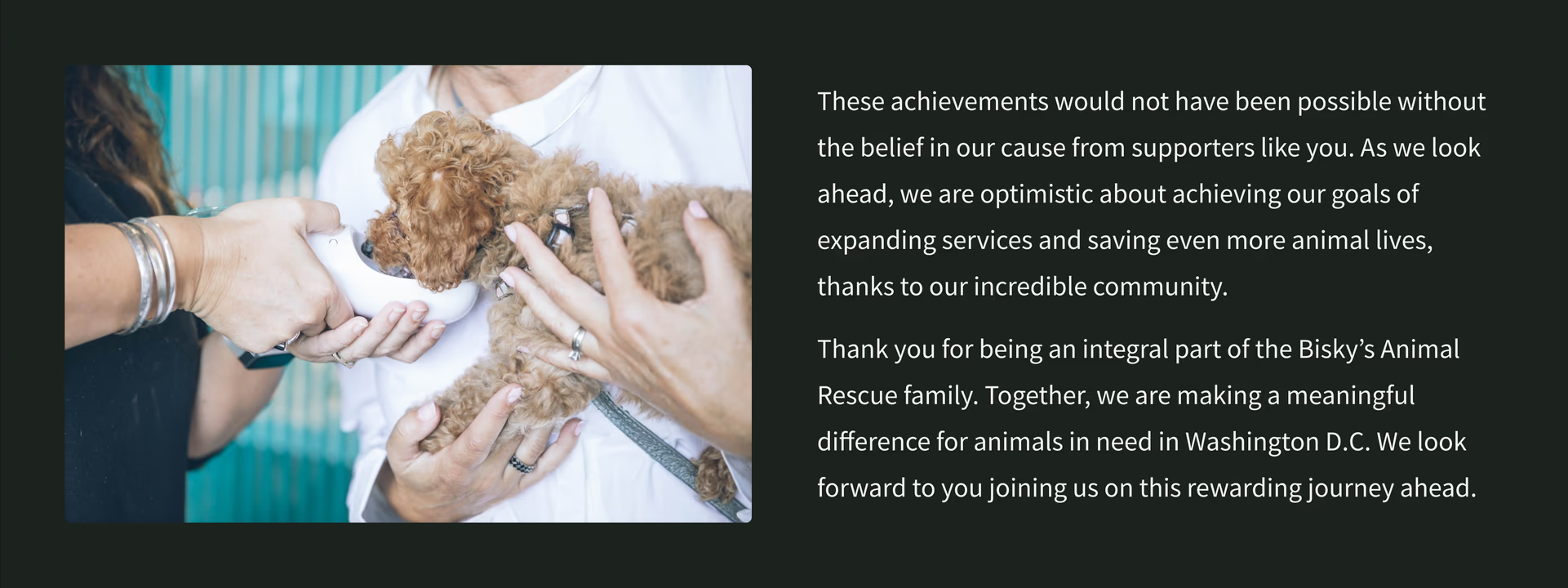
Finished annual report
Finally, everything came together in an annual report template that guides nonprofits on which sections to include and what to write in each, based directly on what the experts shared.
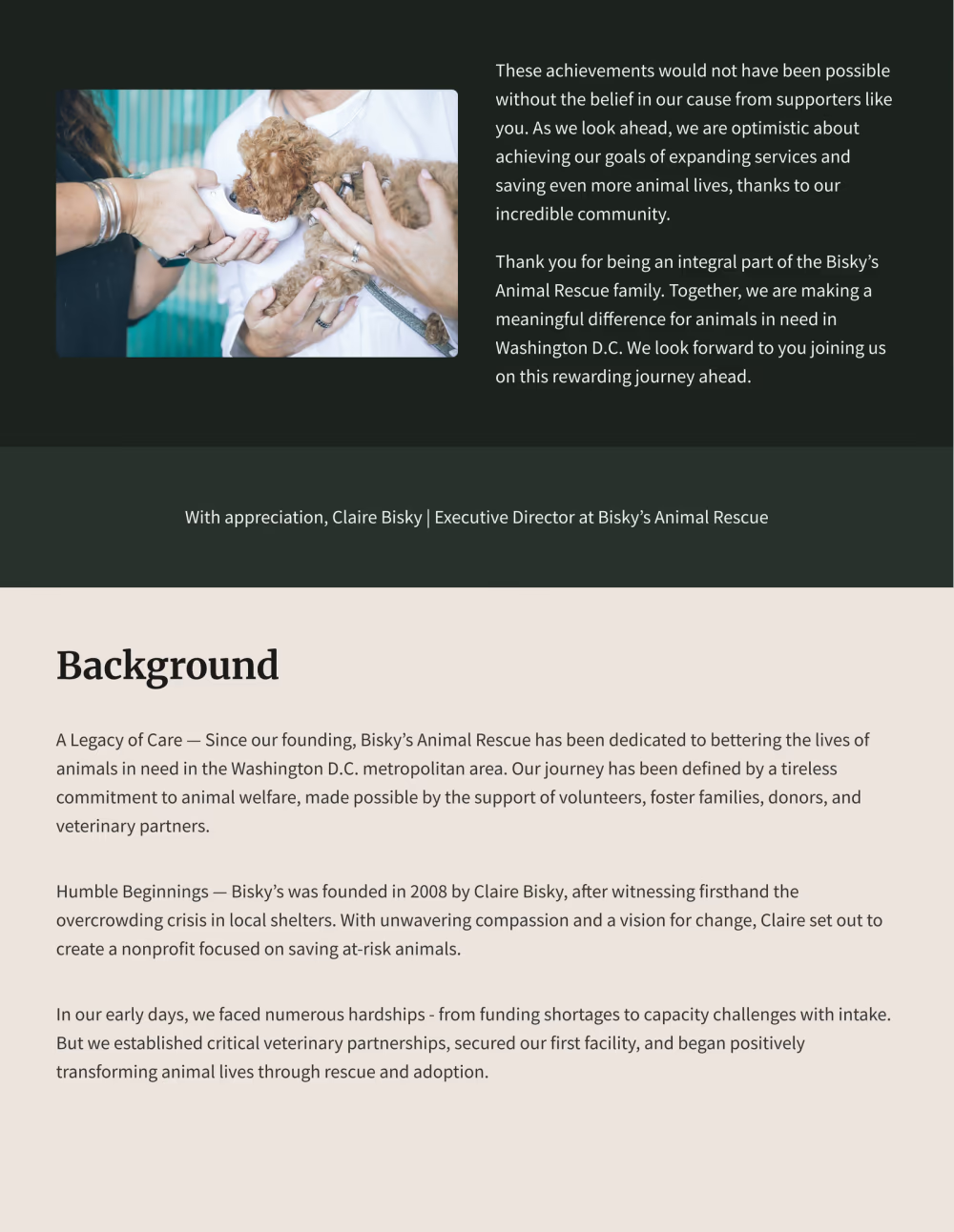
Exported annual report
Since launch, nonprofits have started using the template to build their annual reports, and the editor improvements now power every story in the product.
We know smaller mom and pop organizations, so to speak, spend so much time and money on graphics, on printing, on design…So seeing this [Annual Report] template, I hope it saves a lot of people a lot of time and hopefully person-power, and outsourcing and contracting.
Having a component like this - the storytelling, the storyboard, the testimony piece- hopefully things like that can help streamline things for organizations.
Customer
Customer testimonial